Server message block protocol lets one share resources. It provides access to data, files, devices, and other assets on the network. It’s a network file sharing protocol also known as a client/server communication protocol. It basically gives users the power to create, modify and delete shared files, folders, printers within the network.
An admin can enable printer sharing in their organization for example, which allows for a person to have access to multiple printers. It’s commonly used to provide access to resources like printers, ports, and files. But that’s not all. SMB also enables network browsing, which uses the simple network protocol (SNMP) to browse a network for connected devices. Additionally, the SMB protocol enables inter-process communication through named pipes or mailslot names over a computer network.
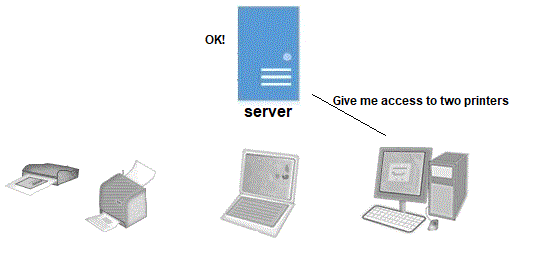
One of the most common ways of implementing SMB support is by running Samba. Samba is a free program and is the standard Windows interoperability suite of programs for Linux and Unix. SMB contains two levels of security checks called user and share checks. User has to be authenticated with a username and a password while share has to be authenticated with some security code.
SMB is an application layer protocol that works over TCP/IP on port 445. SMB is generally secure, but to be safer, one should update and patch, block SMB at network level, restrict and protect SMB at the host level and use authentication and encryption.
 HansITAcademy
You must be logged in to post a comment.