After reviewing factors like performance, price point, usability, and extra features, these are our top 3 top anti-virus/anti-malware for androids in the year of 2023. Coming at number 1, we have Bitdefender, which is a free antivirus/antimalware app for androids but do have premium option at $15/yr. Coming at number2, we have Norton that doesn’t have free option and you have to pay $15/yr. Lastly, we have Avast which is also a free product with premium option at $20/yr with the current discount.
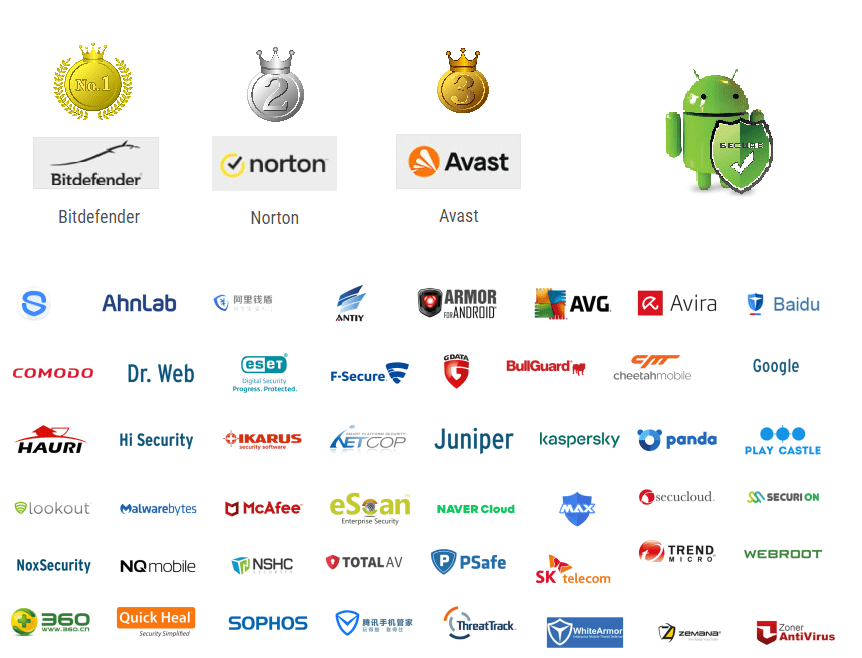
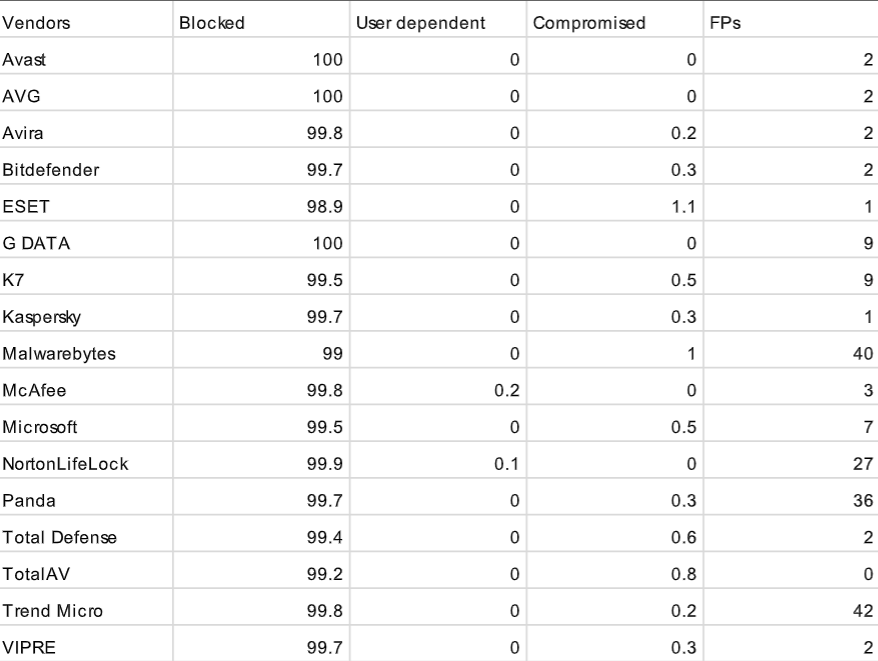
For protection rating, we have reviewed multiple reports from multiple testing organizations that are known to certify security products like virus bulletin, AV test, AV comparatives, SE labs, and ICSA labs. They test and certify security products for both home and businesses and tests both mobile and PCs endpoints. We focused specifically on home/consumer android reports. Their testing focuses on multiple representative test set and removes any apps with same certificates and or same internal code to ensure truly unique samples. They conduct their test with various internet connected android smartphones and not emulators. I do like to note that all three scored near perfect for performance. They have tested the three products while browsing the web, streaming video, and other activities to see if it would slow phone’s overall performance as well as power consumption.
Number 1: Bitdefender Mobile Security (Free or $14.99/yr)

Coming at number 1, we have Bitdefender. In 2023, you can get Bitdefender for free or you can get the premium version for $14.99/yr for 1 account. Bitdefender is the most user friendly and comes with free VPN, but only 200MB a day. However, this is plenty for most. Their VPN uses AES 256-bit with SHA-256 which are top notch in today’s standard.
If you pay $14.99/yr, you can also get remote locate, lock, and wipe in case you lose your android, account privacy that verifies whether email account has been breached, Wi-Fi Advisor/Check to examine whether the Wi-Fi connection is secure or vulnerable, browsing protection against malicious websites, as well as application control. However, Bitdefender does not have call blocker or backup capability.
When it comes to protection, Bitdefender provides one of the best protection. Bitdefender was able to block all 3,127 testcases conducted by AV comparatives with 0 false alarm and was also abled to block 6,592 total samples tested by AV-test as well. Other test results showed great results as well except SE labs did show 1 malware not being blocked, but still remained near 100% accuracy.
Number 2: Norton Mobile Security ($14.99/yr)
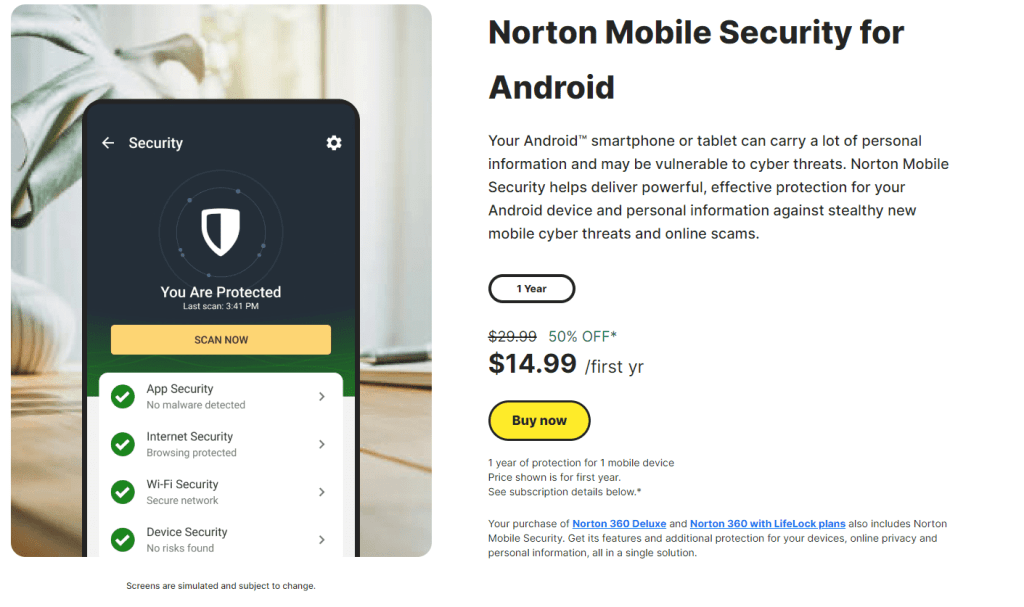
Coming at number 2, we have Norton which costs $14.99/year and does not have a free option. Norton performs as well as Bitdefender when it comes to protection and has almost the same accuracy scores against malware.
Just like Bitdefender, Norton has anti-theft, remote locate, lock and delete, safe browsing, privacy advisor, and Wi-Fi advisor/check. However, it does not have a VPN option.
What Norton do have that Bitdefender doesn’t have is the capability to block spam phone calls and texts which is great for mobile phones. It also provides contacts backup, SIM card lock, and privacy report interactive map which basically shows where in the world personal information might be shared at.
Number 3: Avast Mobile Security (Free or $20/yr but for up to 5 devices)
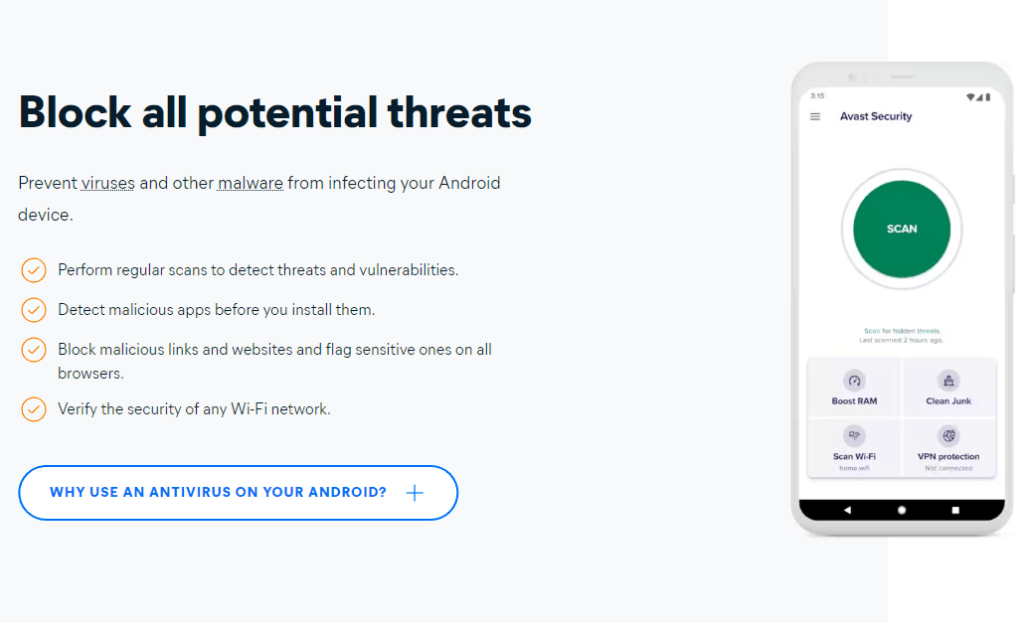
Lastly, we have Avast, which is a free product that also performed as well as Norton and Bitdefender for protection, however, it did take few hits in their false positives rating. False positives simply indicates that a vulnerability is present when it’s not, which hinder user experience. For example, you are trying to just open a file from an email and the antivirus keeps flagging it as a threat. Avast had 4 false positives from 3,127 testcases conducted by AV comparatives.
Avast premium also offers all the extra capabilities that Bitdefender rand Norton offers, but doesn’t have backup and call and text blocker functions. Also, the cost for their premium is a bit higher than the other, which is another reason why this was placed as number three.
Do I need antivirus for my android phone?
You may be questioning if you even need antivirus for your phone. Mobile devices are generally more secure than PCs mainly due to the fact that users have to download from its service’s approved app store. App stores usually ensure apps are secure. This also means that users will utilize legitimate apps over URL which may lead to navigating to a malicious website.
Also, mobile devices are better designed at restricting applications and require apps to request permissions for specific resources, while PCs aren’t. It’s highly unlikely you get affected, but if you utilize your phone for numerous work purposes and use it to download and upload frequently, it may be good to have antivirus. Also, good antivirus apps go beyond just blocking and deleting malware, it also blocks unwanted calls and messages as well as provide VPN services.
 HansITAcademy
You must be logged in to post a comment.